
3 Best Free Cloud Computing Tools for Beginners

A beginner-friendly guide comparing the best free cloud computing tools to help you build real projects, learn core cloud skills, and avoid surprise bills.
Choosing your first cloud platform can be confusing. This guide compares the best free tools to help you learn core cloud skills without any surprise charges.
Cloud computing has many new users that want to learn how to use cloud technology. There is no better way for someone who is just getting started with using cloud technology than to start deploying small real applications as quickly as possible into a sandboxed, safe environment. That is why we believe the free tier levels that all major cloud providers offer are so beneficial - they provide a way for anyone to get hands on experience with compute, storage, network, and identity in an environment that does not require a corporate budget. When people deploy their own applications, they have to deal with the type of issues that tutorials rarely cover - such as permission errors, misconfiguring a network, and cleaning up after an application was deployed. It is this area that provides much of the real learning. It appears that global spending for cloud infrastructure continues to grow and at a rapid rate, with spending increasing 25% over last years third quarter to $102.6 billion. As a result, the trend of increased cloud spending and the corresponding need for cloud skills (and cloud tools) is expected to continue indefinitely. Source: ITPro (via Omdia).
This guide is targeted at absolute beginners (students, career switchers, junior developers/DevOps engineers, founders testing the validity of their business model) looking to get hands-on experience as quickly as possible. I will maintain one primary focus throughout: preventing surprise bills. Cost awareness early on builds habits that matter later, especially once projects move beyond personal experiments and into shared or production environments.

To pick the “best” free cloud platforms for beginners, I used criteria that reflect what matters in week 1 to week 4: getting started quickly, learning core concepts, and staying within free limits.
If you’re weighing ecosystems, a useful shortcut is to compare the big platforms directly (for example Google Cloud vs AWS or Azure vs AWS).
- Free-tier clarity & cost control: Is it obvious what’s free, what’s time-limited, and what can quietly create costs (egress, NAT gateways, managed DBs)? See AWS’s official breakdown of Free Tier offer types if you want the “source of truth” on how it’s structured. AWS documentation.
- Beginner onboarding: How difficult is it to create an account, create a subscription/project and deploy the first resource?
- Hands-on learning depth: Are you able to learn the fundamentals (VMs, Storage, Networking, IAM), but also to learn modern techniques (Serverless, Containers) without paying anything?
- Real-world relevance: Do these skills that you develop apply to what employers and teams actually use?
- Upgrade path: When you outgrow the free tier, can you scale without rebuilding everything from scratch? If you’re more cost-sensitive, you can also consider alternatives like DigitalOcean vs Google Cloud.
Taken together, these points are meant to keep your first few weeks focused on learning rather than cleanup or unexpected costs. A beginner-friendly platform should make it clear what you can build, how far free usage really goes, and what happens when you need more. If the basics feel approachable and the skills carry over to real teams and real jobs, you’re far more likely to stick with it long enough to build confidence and momentum.
The 3 best free cloud computers (detailed reviews)
For this “top 3”, I’m focusing on the most beginner-relevant platforms from our Cloud Computing category set: Google Cloud (GCP), AWS Activate, and Microsoft Azure.
1) Google Cloud (GCP)
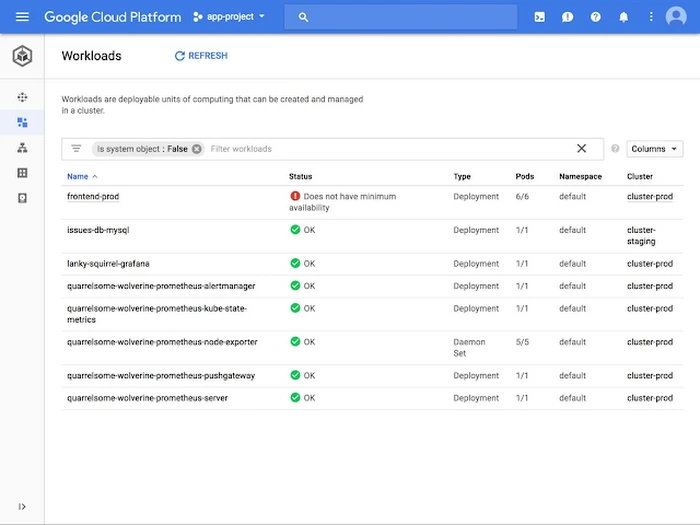
Google Cloud is a good fit if you want a clear, simple console experience and you're interested in working with data-intensive applications at some point (e.g., analytics, pipeline apps, etc.). Practically speaking, GCP will be "project-centric" so you'll create a project, add a billing account, then start building resources within that defined scope of what you've created , which provides a great mental framework for first-time users.
If you're trying to decide on a cloud ecosystem, I would encourage you to look at Google Cloud vs Amazon Web Services (AWS) prior to making a decision on a single path.
Main free-tier strengths (what to write about concretely): a combination of credits (often for new accounts) plus “always free” usage on selected services (within strict quotas). The real beginner win is that you can build small portfolio projects without renting a full server 24/7. To get started with GCP discounts later, you can also browse our Cloud Computing promo offers.
- Best for: beginners who want an approachable UX and portfolio projects with a data/
- Great free use cases: host a tiny web API on a small VM, store uploads in object storage, or prototype a data dashboard using public datasets.
- Advantages: strong documentation, very modern managed services, clean IAM patterns once you learn service accounts.
- Free-tier limitations to call out: credits expire; networking egress and premium managed services can become paid faster than you expect.
Taken as a whole, Google Cloud’s free tier works best when you treat it as a focused learning environment rather than a place to leave things running indefinitely. It gives you enough room to build real projects, understand how services fit together, and practice working with data, as long as you stay aware of quotas and clean up after yourself.
Pricing (paid tier): GCP uses a Pay-As-You-Go pricing model, costs are determined based on service + region. Additionally, some first-time developers prefer to use DigitalOcean's simplicity, see DigitalOcean vs Google Cloud.
2) Amazon AWS

The AWS description of "Free Tier" is very direct; they have always-free offers, 12 month free offers and short trials for all three (AWS Free Tier Documentation). This type of clarity is valuable as AWS can be thought of as a hardware store: it has great potential but you need to put all of your items in your shopping cart when you finish using them.
- Best for: beginners targeting cloud/DevOps roles and wanting the broadest “industry standard” exposure.
- Great free use cases:
- Advantages: large number of products that make a large ecosystem, numerous tutorials, and translatable concepts (IAM, VPC, Security Groups).
- Free-tier limitations to call out: While it is possible to learn from this platform, complexity will slow many new learners; misconfiguring your network or failing to remove created resources can lead to additional costs.
Overall, AWS is best approached with intention and a bit of structure. It gives beginners access to the same tools used in real production environments, which makes the learning highly transferable, but it also expects you to manage what you create and clean up after yourself.
Pricing (paid tier): Pay As You Go, pricing models galore.
3) Microsoft Azure
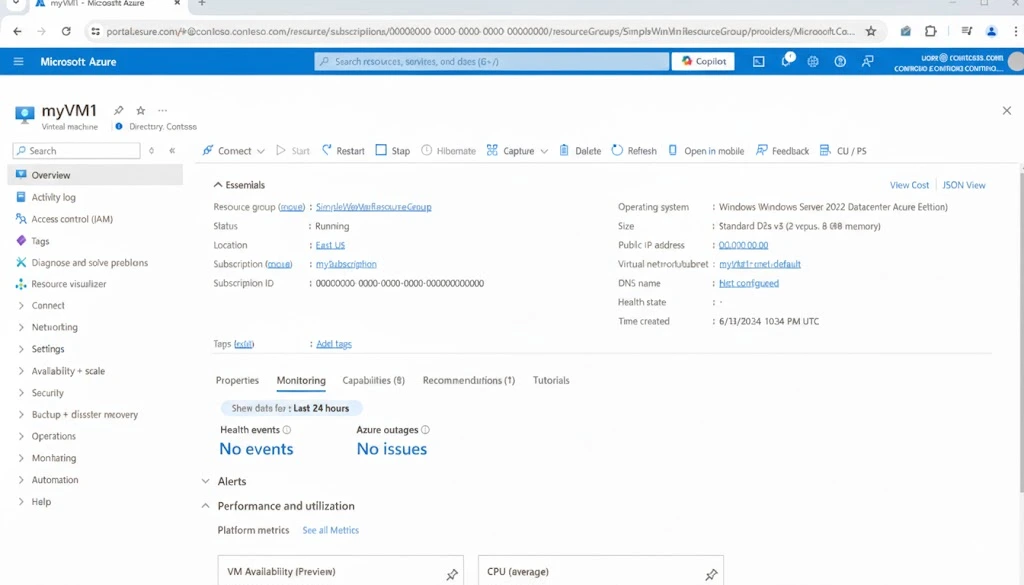
Microsoft claims that the Azure free account allows for use of $200 of credit over 30 days, in addition to some free monthly allocation of services for 12 months, and also has some always-free services (again within limits). The most important take-away for new users is that you will have a good amount of opportunity to experiment early on, but you need to treat this free account like a lab environment, time-box your experiments, and clean-up aggressively.
Microsoft claims that the free version of Azure provides users with a $200 credit for 30 days, in addition to free monthly service allocations for 12 months, and some always-free services (with certain restrictions). The practical take-away for beginning users is that they will be able to perform serious experimentation with their Azure accounts at no cost early on; however, it would be best to consider their Azure account as a laboratory environment, time box their experiments, and clean-up aggressively.
- Best for: beginners leaning toward enterprise IT, Microsoft tooling, or corporate cloud roles.
- Great free use cases: build a small VM + storage setup, practice role-based access control, and add monitoring/alerts so you learn “production hygiene” early.
- Advantages: strong governance story, robust identity and access patterns, good alignment with enterprise workflows.
- Free-tier limitations to call out: portal complexity; some services require careful sizing to stay within free quotas.
In practice, Azure’s free account gives beginners a short window to explore a wide range of services in a realistic setting. It works best when you approach it with a plan, use the credits deliberately, and make a habit of cleaning up resources as you go.
Pricing (paid tier): pay-as-you-go with per-service pricing.
Comparing Computing ting tools for beginners
Here’s a quick comparison table you can skim when you’re choosing your first cloud computing tool.
Practical tips to get the most out of free cloud computing tools
Free tiers are generous, but they assume you behave like an engineer: set guardrails, measure what you use, and delete what you don’t. If you want to optimize cost as you learn, keep the Cloud Computing discounts page handy for when you outgrow free quotas.
Tip 1: Use cost guardrails as a “first-class feature” (not an afterthought)
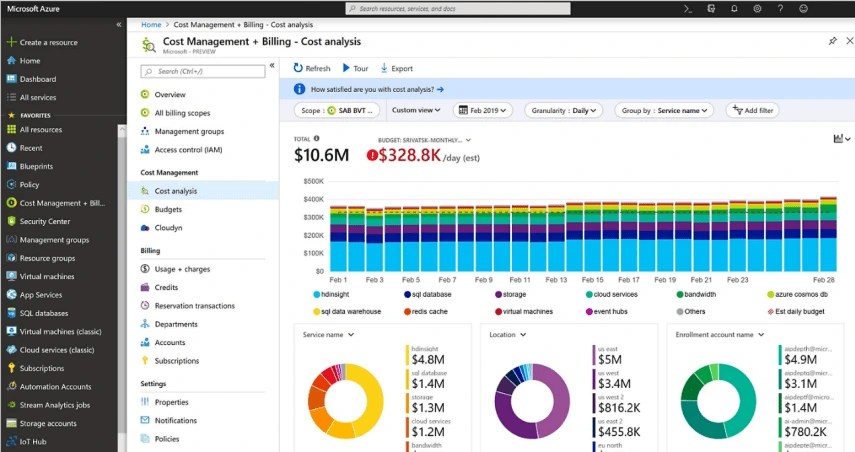
If you’re brand new, Azure is a solid place to build the habit of cost discipline because Microsoft clearly frames the free account as $200 for 30 days plus ongoing limited free services.
- What to do: set a budget, enable billing alerts, and keep a weekly “resource cleanup” routine.
- Beginner use case: deploy a tiny VM, SSH in, install Nginx, serve a simple page, then delete the VM and confirm costs stayed at $0.
- When to go paid: when you need persistent uptime, higher quotas, or predictable environments for a team project.
The main lesson here is that cost control should be part of how you learn, not something you think about later. Azure makes this easier by clearly showing how much credit you have and what’s being used, which helps you build good habits from day one.

Tip 2: Practice “real” cloud skills early: IAM + networking + teardown
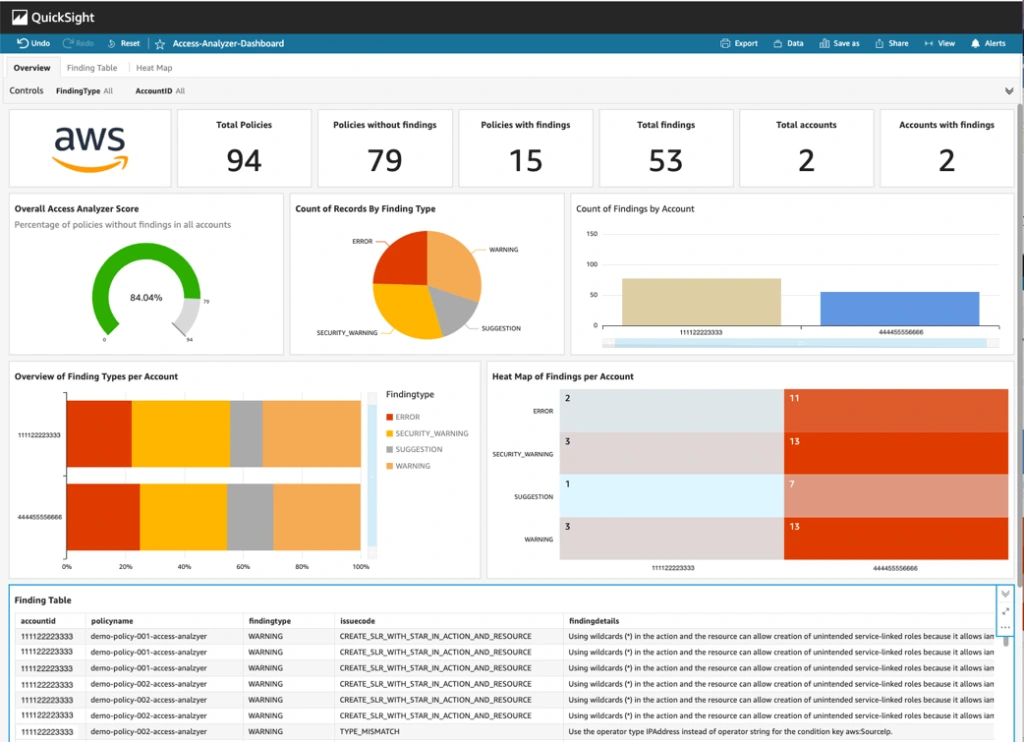
AWS is the best teacher here, sometimes brutally so. But if you structure your learning, it pays off: AWS’s Free Tier categories (always free, 12-month free, trials) are documented clearly, which helps you plan labs that stay within limits.
- What to practice: IAM users/roles, least privileged policies, security groups, and a very simple VPC mental model.
- Lab to run for a Beginner: Create a small VM, block all incoming access from your IP address, create an object in object storage, and then destroy everything (the VM, the volume(s), and the IP address).
- Why upgrade later: You'll eventually need to be able to have more observable resources, longer running labs, and simulate the same types of production patterns as the real job uses.
This approach can feel demanding at first. but it mirrors how cloud environments behave in real jobs. AWS forces you to think about permissions, networking, and cleanup as part of the work, not as optional extras.

Tip 3: Build one portfolio project that feels like a product (not a tutorial)
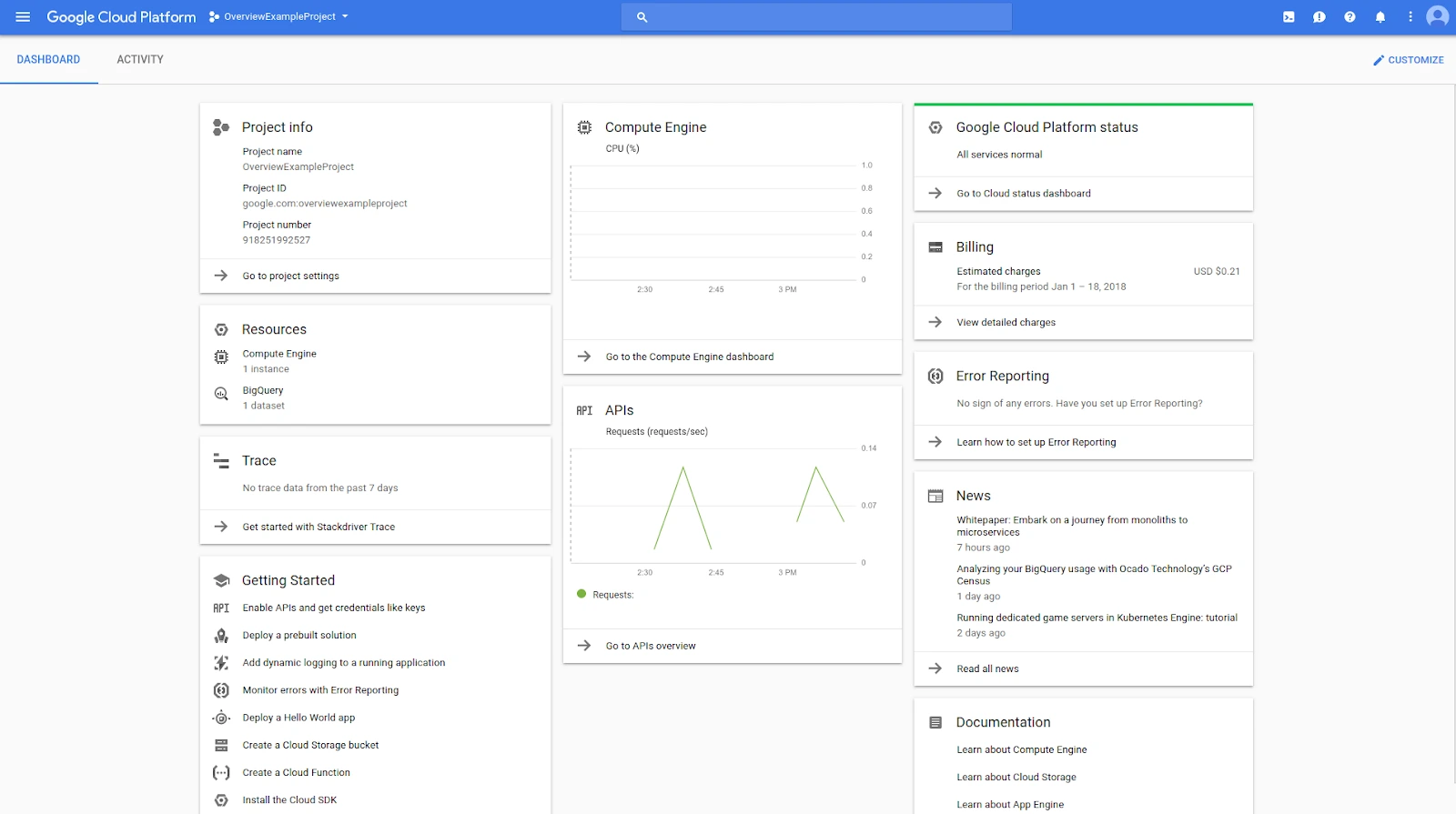
GCP is excellent for making a project feel cohesive: one project, clear permissions, and services that naturally fit together. If you’re unsure whether GCP or AWS is the better first home, use Google Cloud vs AWS
- Portfolio idea: a simple “upload + process + notify” workflow: upload a file to object storage, trigger a function, store metadata, and expose results via a small API.
- What this proves: you understand event-driven patterns, access control, and cloud-native glue.
- Free-tier reality check: keep it tiny (small files, delete unused resources)
The value here comes from finishing something that works end to end, even if it’s small. GCP’s project model makes it easier to keep everything contained and understandable, which helps you focus on how the pieces connect rather than wrestling with setup.

Tip 4: Know exactly when “free” stops being smart
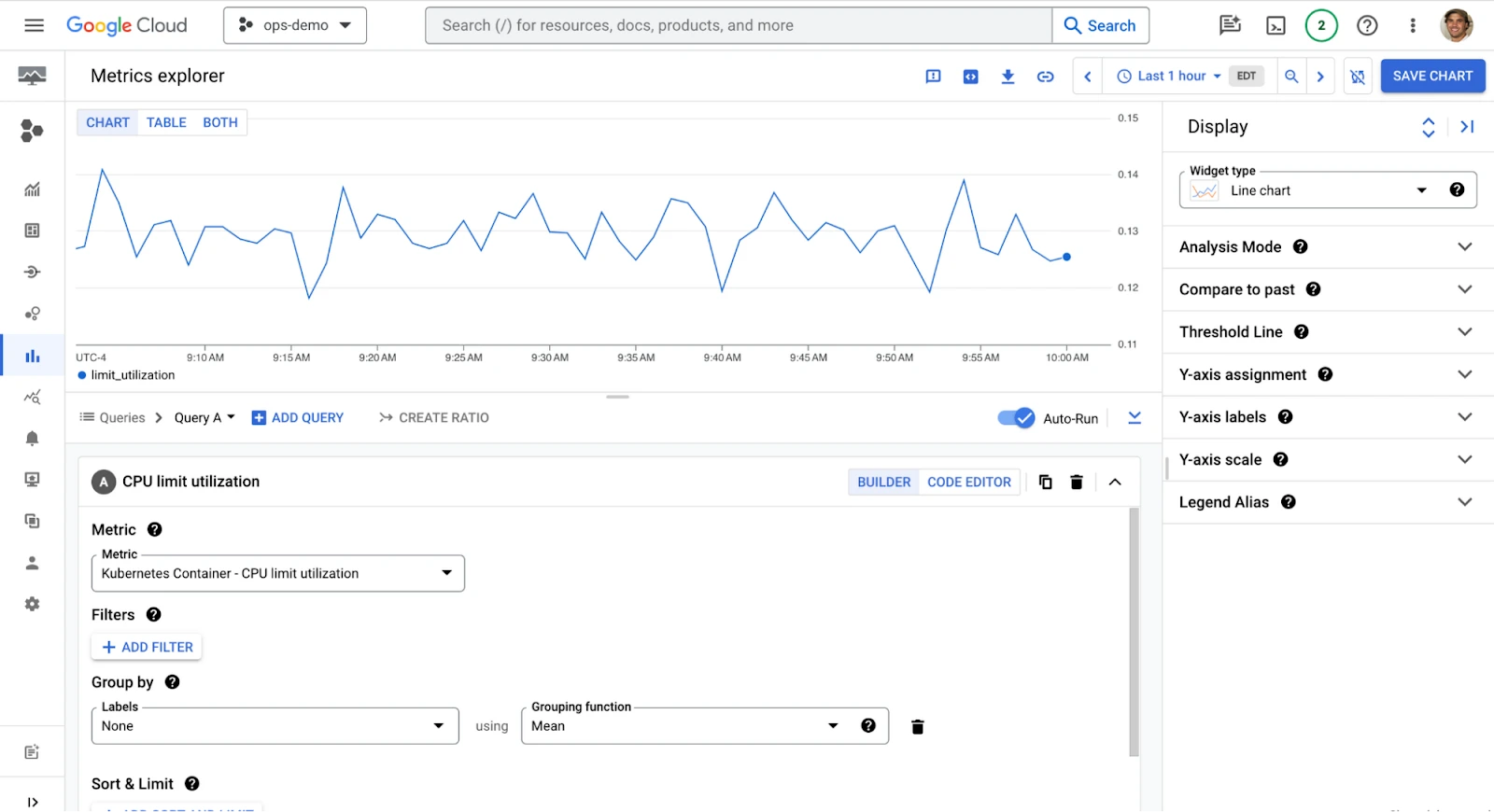
Staying free forever is not a strategy, it’s a phase. The moment you need one of these, it’s time to consider a paid plan (or at least paid usage with strict budgets):
- Long-running environments (a VM that must stay on)
- Team collaboration and separate dev/staging/prod projects
- Higher quotas (storage, requests, compute horizon monitoring and incident-friendly alerting
The primary benefits of free tiers (and why we offer them) are for learning and testing. However, once you've moved from a development/learning environment to an operational, production-based one, those limitations will begin to become roadblocks. If you recognize this point soon enough, you'll be able to transition to a paid tier thoughtfully, and with both budget and expectation clarity; rather than reactively, when things stop working or no longer meet your requirements.
At that point, don’t “wing it”: compare your options (eg. Azure vs Google Cloud) and then use the best discount you can find in our Cloud Computing deals list.
FAQ: Free cloud computing tools for beginners
These are the questions I see most often from beginners who want to practice cloud computing without paying upfront. If you want a broader selection, you can always browse the full Cloud Computing category.
What’s the best free cloud platform to start with?
Choose the one which aligns with your goal. If you need the largest number of services and it is the most widely recognized by the hiring industry for a variety of uses, then AWS is the best choice to reduce the number of lab environments as well. If you need enterprise-aligned knowledge and compliance for your business, then Azure will be your best option. If you would like to become familiar with cloud computing easily with the ability to create projects which include large amounts of data, then GCP is a good choice.

Which cloud platform is the easiest for beginners?
“Easiest” usually means: least friction to deploy your first resource, fewer confusing identity/networking choices, and clear defaults. Many beginners find GCP’s project model approachable, while others prefer Azure when they’re already comfortable in Microsoft ecosystems. If you want a simplified alternative outside the big three, consider reading DigitalOcean vs Google Cloud.
Is Google Cloud’s free tier really free?
Google Cloud offers a "Free Tier" that is "free within limits." You can absolutely do meaningful practice for $0. However, you will need to be mindful of the quota limits and avoid those areas where you would likely incur costs (most notably network egress and premium managed services). If you expect to grow beyond the free tier, plan ahead by checking available Cloud Computing promo codes.
Should I learn AWS, Azure, or Google Cloud first?
AWS is a good place to begin because it has many ways to get help, as well as a lot of other resources available. If you are looking to develop in an Enterprise environment or work for a company that uses Microsoft products, then Azure is probably your best bet. Google Cloud is great for developing data, AI, and Kubernetes projects.
What’s a beginner-friendly way to learn cloud for free (without getting lost)?
Beginner-friendly options include following structure, hands-on training on actual examples, of cloud computing:
- Simplilearn – Introduction to Cloud Computing (simplilearn.com in Bing): 2-hour free course covering AWS, Azure, and GCP basics with certification.
- Coursera – Cloud Computing for Beginners (coursera.org in Bing): Free audit option for beginner courses from AWS, Google, and IBM.
- CloudFluently: Free study guides and hands-on labs tailored for newcomers.
The key is to keep your learning structured and practical so you’re not jumping between random tutorials without context. Courses that combine short explanations with hands-on exercises help you understand why things work, not just how to click through a setup.
My recommendation for beginners
First off, I would recommend only one single thing as a basic rule of thumb: pick one cloud service (GCP, AWS, AZURE), set up a clear budget plan (establish some cost boundaries/guardrails), and then create 3 very simple examples of things you could easily describe when asked to do so. There is no need to know everything right from the start, the goal is simply to understand the interactions of a couple of the most commonly used services and why you chose to use those specific services.
If you are someone looking to get into the IT field I would recommend beginning with AWS; if you are an employee who has plans to go into a large corporation and wants to utilize enterprise software, I believe Azure is a better option; if you want to learn about Data and have a blank canvas to do so, I believe GCP is a great place to start. A lot of times being able to clearly articulate how you created something, what was wrong with it, and how you fixed it will matter far more than how big or complex the project was.
Once you've decided it's time to exceed the limits of the free tier, there will usually be a way to reduce costs with either a promo code or a special deal, therefore I would also suggest checking out the Cloud Computing deals page and picking the promotion which fits your needs best.
{{cta-marketplace="/blog-elements"}}