
Best AI Automation Tools in 2026

AI automation tools in 2026 help teams streamline workflows, reduce manual tasks, and build scalable systems that connect apps, data, and AI-driven decisions.
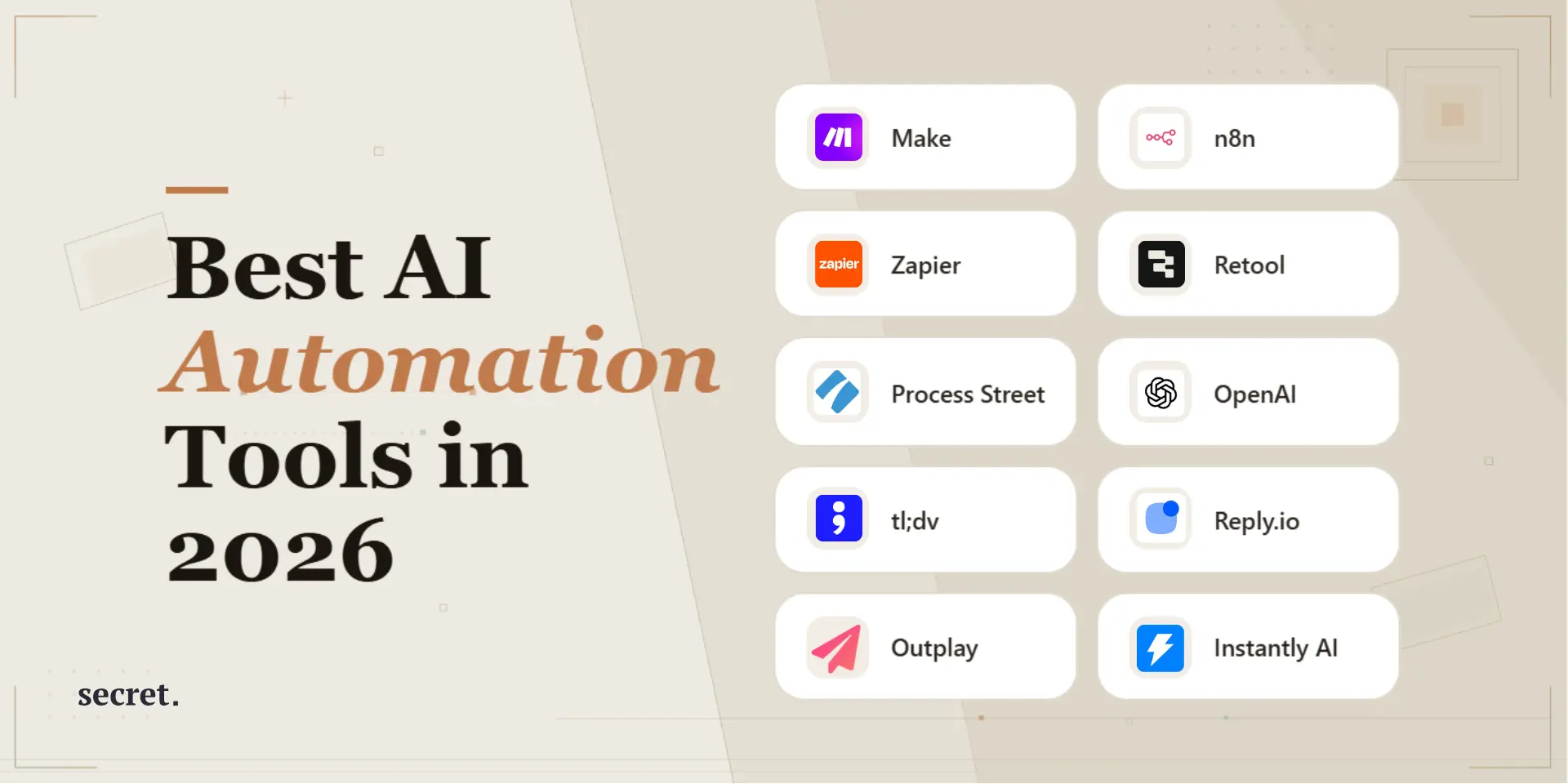
AI automation is transforming how modern teams operate. Discover the best AI automation tools in 2026 to streamline workflows, reduce manual work, and scale smarter.
In 2026, the most effective teams will utilize AI automation as much as possible to automate their tasks as well as create end-to-end workflows by utilizing applications, data, and generative AI in order to produce a workflow which can be scaled; audited and secure. The purpose of creating this document was to assist with selecting the correct automated solution using how you really work: your tech stack, how many tasks are you performing, what are your constraints regarding risk and how do you want to see the results of your automation efforts (faster, more accurate, lower costs, etc.)? AI automation is no longer just about saving time; it’s about building systems that reduce human error, create visibility across teams, and make growth more predictable. The difference between scattered automation and a well-orchestrated system often shows up in reporting, compliance, and long-term maintainability.
Use of AI continues to grow at a pace that is not going to slow down: McKinsey reports that the amount of companies that continue to utilize AI continues to increase. This growth is indicated by the number of survey respondents indicating they have used AI for business purposes to have reached extremely high levels in the latest global surveys.
You will find a table below comparing AI automation solutions, as well as some practical information (complete with specific examples) to assist you in identifying the best solution for your organization whether it is a startup, small medium business, marketing group, operations manager, or IT department responsible for implementing standardized automation. Rather than focusing only on feature lists, this guide emphasizes how these tools behave in real production environments where reliability, governance, and cost control matter just as much as speed.
How we selected the best AI automation tools (and what “best” really means in 2026)
While some teams may want a no code builder that sales ops can maintain themselves, other teams will want a high-end, developer grade tool with self hosting capabilities, git-based change management and extensive observability features. To make the answer to this question as useful as possible, I used evaluation metrics that mirror the types of production issues that teams have in common:
- Workflow usability: building workflow speed; building workflow readability; using reusable sub-flows and workflow change management;
- AI ready: native AI builders; native LLM (large language model) integration; managing prompts and variables and providing safe guardrails;
- Integration surface: the number and quality of connectors to various systems; web hooks; OAuth; rate limiting; retry counts;
- Scalable economic: how pricing changes when you scale from 100 to 100,000+ runs/task per month;
- Reliability and operation: error handling; alerting; logging; replay; versioning; and separating environments;
- Security and compliance: single sign-on (SSO); single log-on (SAML); audit logs; security and compliance (SOC 2) posture; data residency; secrets management;
- Team fit: who can support/maintain the product-- marketing ops; rev ops; IT; or developers.
There's one additional aspect of the 2026 ecosystem that makes a huge difference: we're no longer just "automating," we're now moving towards "orchestrating with AI" (workflows + structured data + AI actions + agents). This is something that some vendors are building into their products as they begin to shift away from being just "app A connects to app B." You'll be able to see the differences clearly in the responses below.
Detailed list of the best AI automation tools in 2026
Below is a practical shortlist of AI workflow automation platforms. I’m focusing on tools that cover the highest number of real-world scenarios: SaaS integrations, AI steps, data routing, approvals, and production reliability.
1) Make
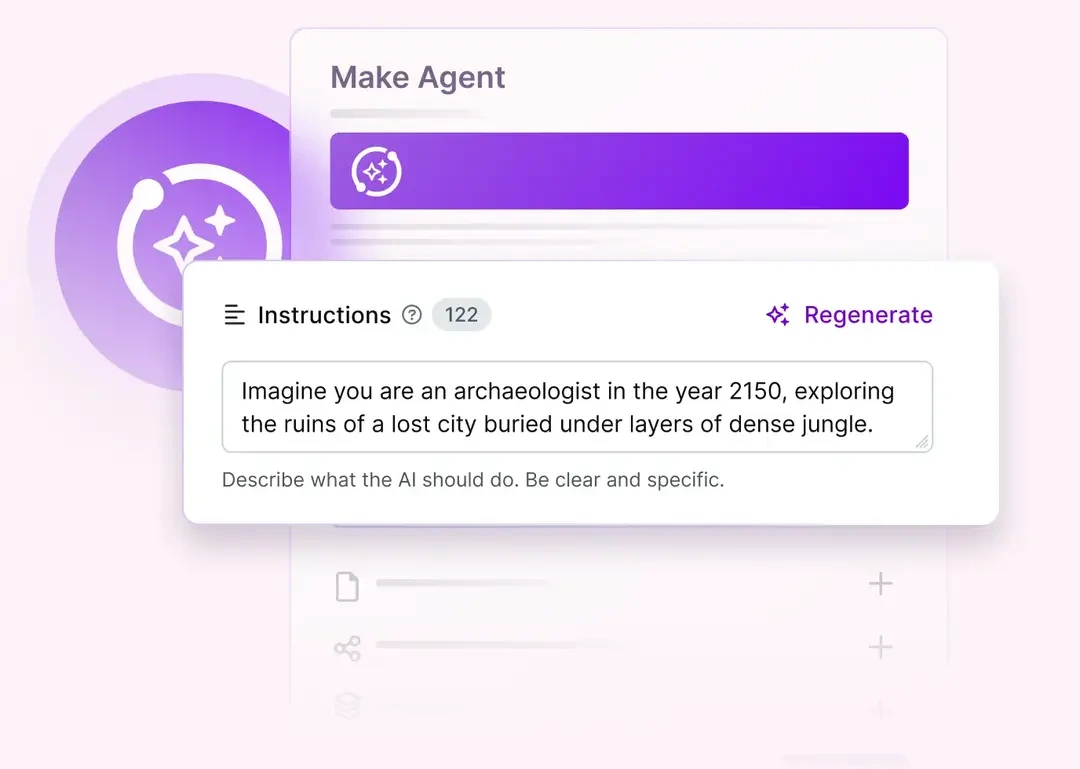
Make is one of the topmost visual automation platforms for teams seeking a visual automation tool that will allow for advanced workflow logic that can run workflows with multiple applications as well as with many branches, etc. but do not want to write complete custom code.
What it’s best at: complex no-code workflows that still need “engineering-grade” control.
- Advanced scenario logic: routers, filters, error handlers, retries, and fallbacks.
- Data handling: mapping, aggregations, and transformations to keep automation resilient.
- AI integration patterns: connect LLM steps (e.g., classification, summarization, enrichment) inside a business flow.
- Operational visibility: scenario history and run inspection for debugging.
Concrete use case: inbound lead automation where Make enriches a form submission, scores it, pushes it into a CRM, routes a Slack alert to the right owner, and generates a first-touch email draft based on industry + intent signals.
Limitations / watch-outs: complex scenarios can become hard to govern without strong naming/versioning conventions.
Pricing: Make typically offers tiered plans (including entry-level options) depending on operations/runs and features. For exact numbers, always confirm on the vendor pricing page before publishing.
Ideal for: startups, agencies, growth teams, ops teams that want powerful automation without heavy engineering overhead.

2) n8n
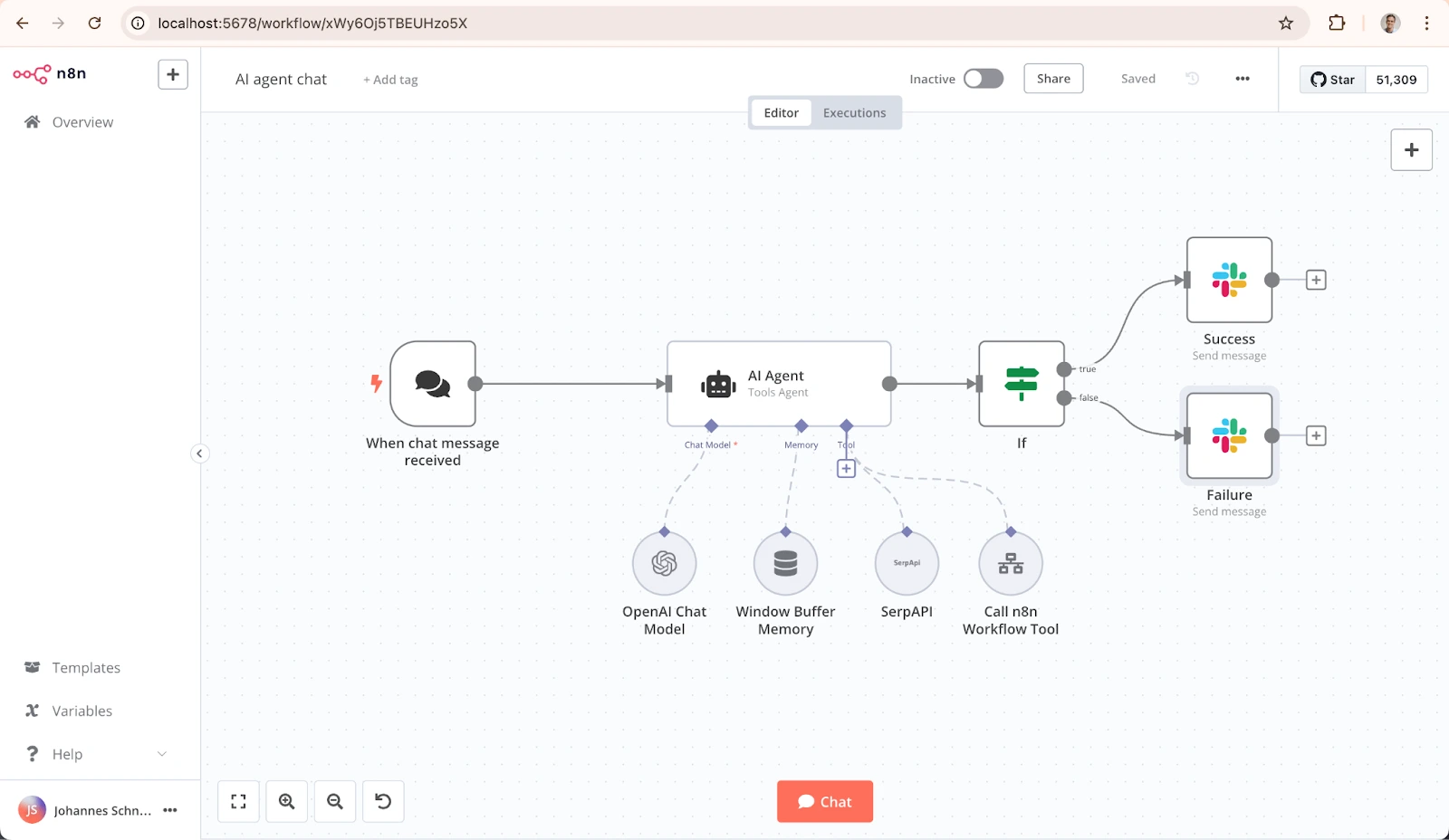
n8n is the only "engineering-friendly" choice in the above list which also has a visual workflow editor. The key strategic differentiation for n8n in 2026 will be whether to go with hosted plans or self-host your own copy of n8n for complete control.
What it’s best at: automations that need custom logic, privacy control, or serious extensibility.
- Unlimited steps per workflow on cloud plans (pricing is based on executions, not step count).
- Self-hosting path: run n8n in your infrastructure for data governance or cost control.
- Developer flexibility: custom code, advanced API work, and complex data handling.
Pricing (hosted): n8n’s pricing is execution-based. For example, the Starter plan is listed at €20/month billed annually for 2.5K workflow executions, and Pro at €50/month for 10K executions. check n8n pricing plans
Concrete use case: customer support automation where n8n pulls recent tickets, summarizes them with an LLM, detects escalation risk, then creates tasks in your project tool and updates the CRM, while keeping raw data inside your VPC if self-hosted.
Limitations / watch-outs: the more freedom you have, the more governance you need (naming conventions, environments, release discipline).
Ideal for: technical teams, product engineering, data-sensitive orgs, companies planning automation as a platform (not a patchwork).
3) Zapier
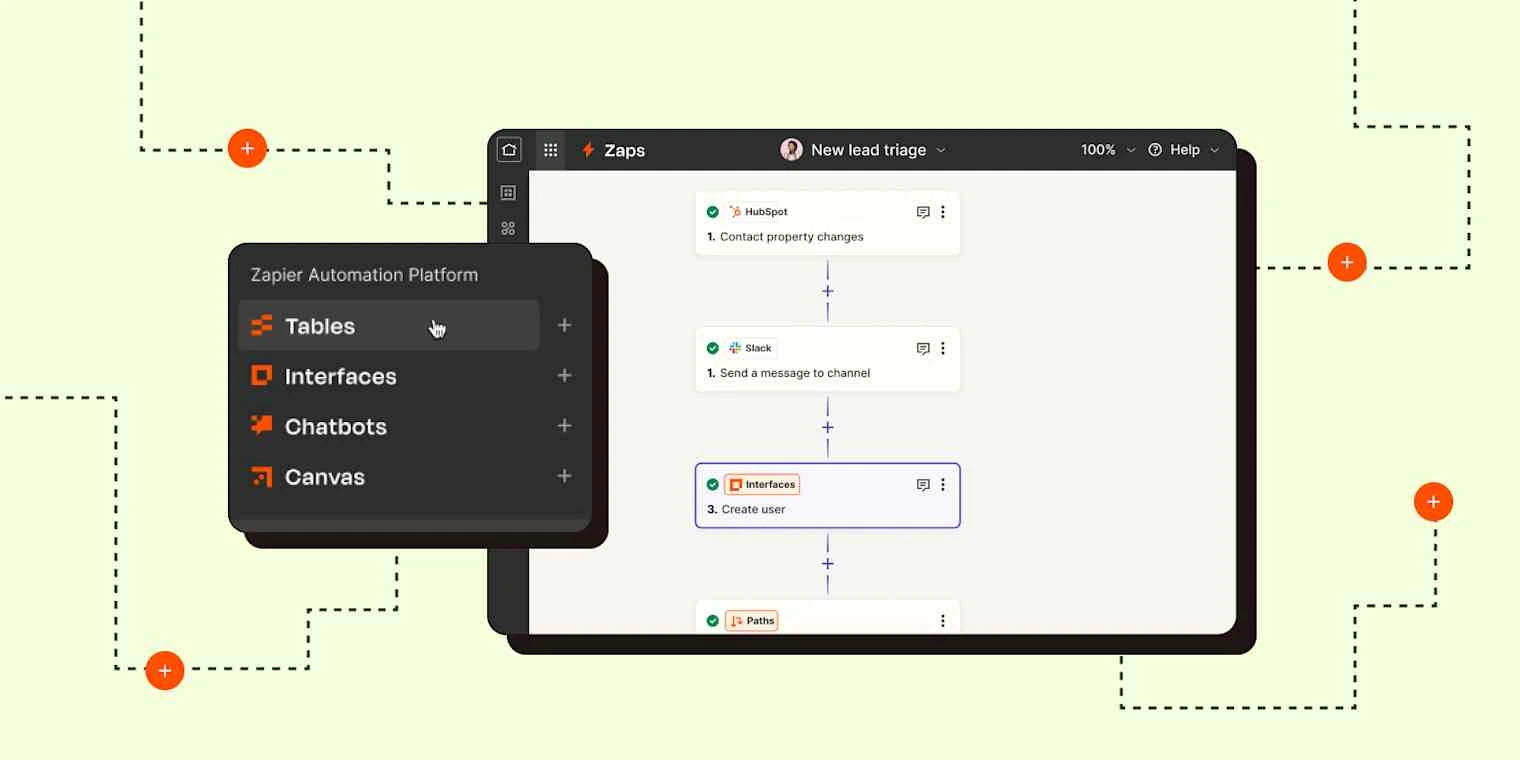
Zapier has been the most popular choice among teams seeking speed for automation and the largest selection of available integrations. As of 2026, Zapier is positioned as a full-featured AI Orchestration platform by combining workflows with data (tables), an AI action layer and form-based user input of data.
What it’s best at: fast automation for non-technical teams with a massive app ecosystem.
- Free plan: includes 100 tasks/month (plus core platform access and basic Zaps). What’s included in Zapier’s Free plan?
- Clear upgrade path: Professional plan starts from $19.99/month billed annually (pricing varies by task tier).
- Unified “platform” approach: Zaps + Tables + Forms + MCP listed under unified plans.
Concrete use case: a marketing ops team uses Zapier to auto-capture webinar leads into a table, enrich them, then route the right segment into email sequences and notify sales for high-intent signups, without waiting for engineering.
Limitations / watch-outs: costs can rise quickly at scale; governance becomes critical when many teammates create automations.
Ideal for: SMBs, marketing teams, RevOps, founders who want automation working this week (not next quarter).
4) Retool (Workflows + internal apps + agents)
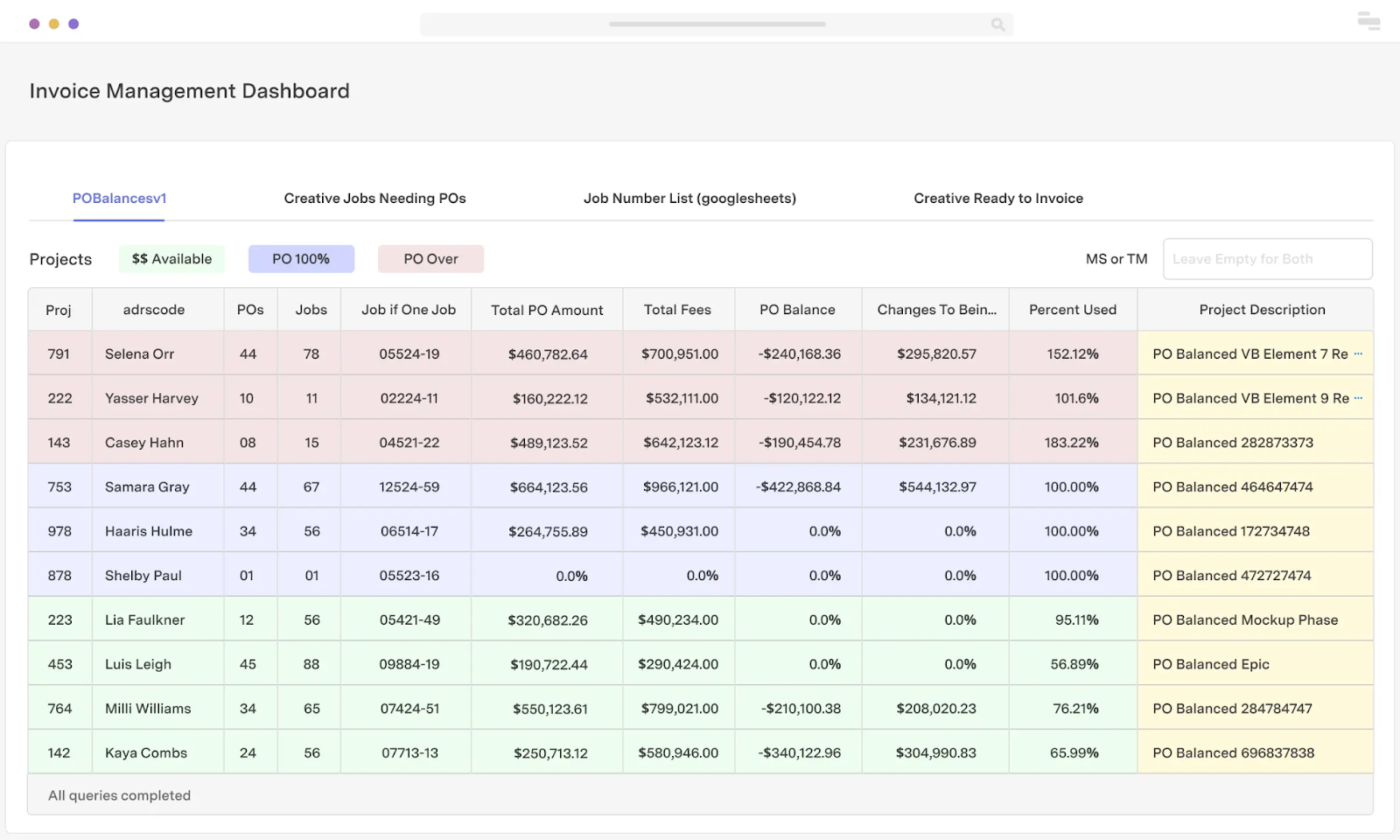
Retool is your best bet if automation has been tightly woven into your internal tools: dashboards, back office ops apps, admin console, etc., as well as the human in the loop approval process. By 2026, Retool will also package Agent capability right along side apps and workflows.
What it’s best at: building internal operational software with embedded automation (and approvals).
- Free plan: includes 500 workflow runs/month and limited AI prompting credits. Check Retool Pricing - Plans
- Workflow + UI pairing: ideal for exception handling, approvals, and controlled operations.
- Deployment flexibility: cloud or self-hosted options are available.
Concrete use case: a finance ops team uses a Retool app to review flagged invoices. A workflow pre-classifies invoices with an LLM, checks for anomalies, and opens an approval screen only when needed, cutting manual review time.
Limitations / watch-outs: if you only need “app-to-app” automation, Retool may be overkill compared to Make/Zapier.
Ideal for: ops-heavy teams, marketplace operations, finance ops, support ops, and companies with internal tooling maturity.
5) Process Street
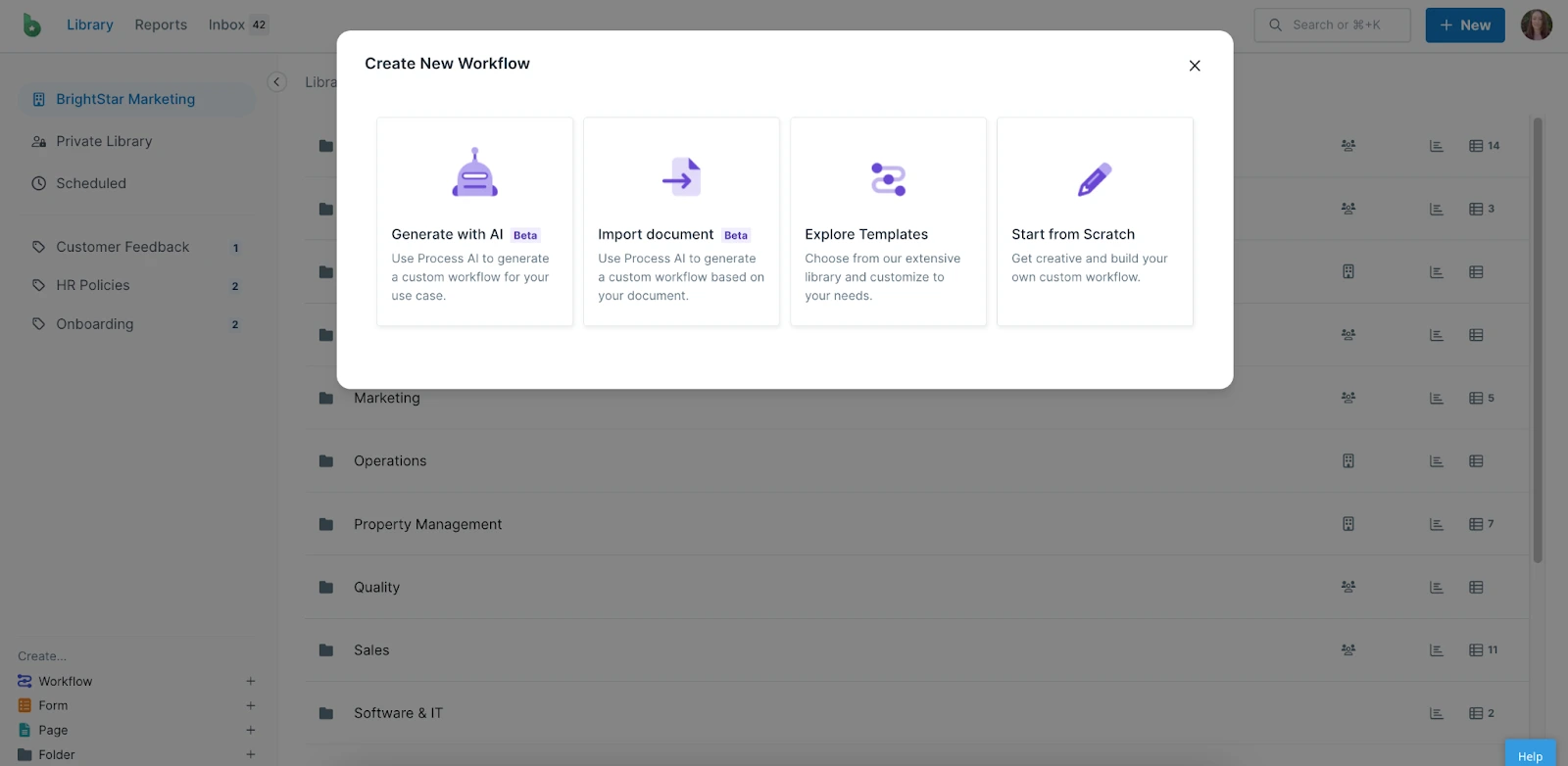
What it is: Process Street is a workflow platform that enables organizations to execute repeatable processes (Checklists, SOP's, Playbooks), with automation options available.
- Key features: SOP/checklist workflows, conditional logic, assignments, approvals, automation triggers.
- AI angle: best when AI supports standardized execution (e.g., extract fields from intake → populate checklist → assign steps).
- Benefits: great for operational consistency and onboarding.
- Watch-outs: not the best choice when you need deep integration orchestration across dozens of apps.
Ideal for: operations, customer success, and teams scaling repeatable delivery.

6) OpenAI (ChatGPT + API)
What it is: The foundational layer of AI Automation. Many workflows today that do not use ChatGPT for automation rely on Large Language Model (LLM) capabilities to automate a variety of functions including extraction, classification, drafting, summarization and reasoning.
- Key features: chat-based work, API access, structured outputs, tool/function calling patterns, custom assistants/agents depending on your implementation.
- Where it shines is in automation: turning messy inputs into structured data (emails, call notes, PDFs), enabling automated decision routing, generating human-quality drafts.
- Watch-outs: requires guardrails: evaluation, prompt/version control, PII policies, and fallbacks for edge cases.
If you’re deciding between open ecosystems and proprietary model platforms, this comparison helps frame the trade-off between community-driven models and commercial-grade managed models: Hugging Face vs OpenAI.
Ideal for: any team adding "intelligence" to their automation: support triage, CRM hygiene, knowledge ops, content ops, analytics.

7) tl;dv (AI meeting assistant)
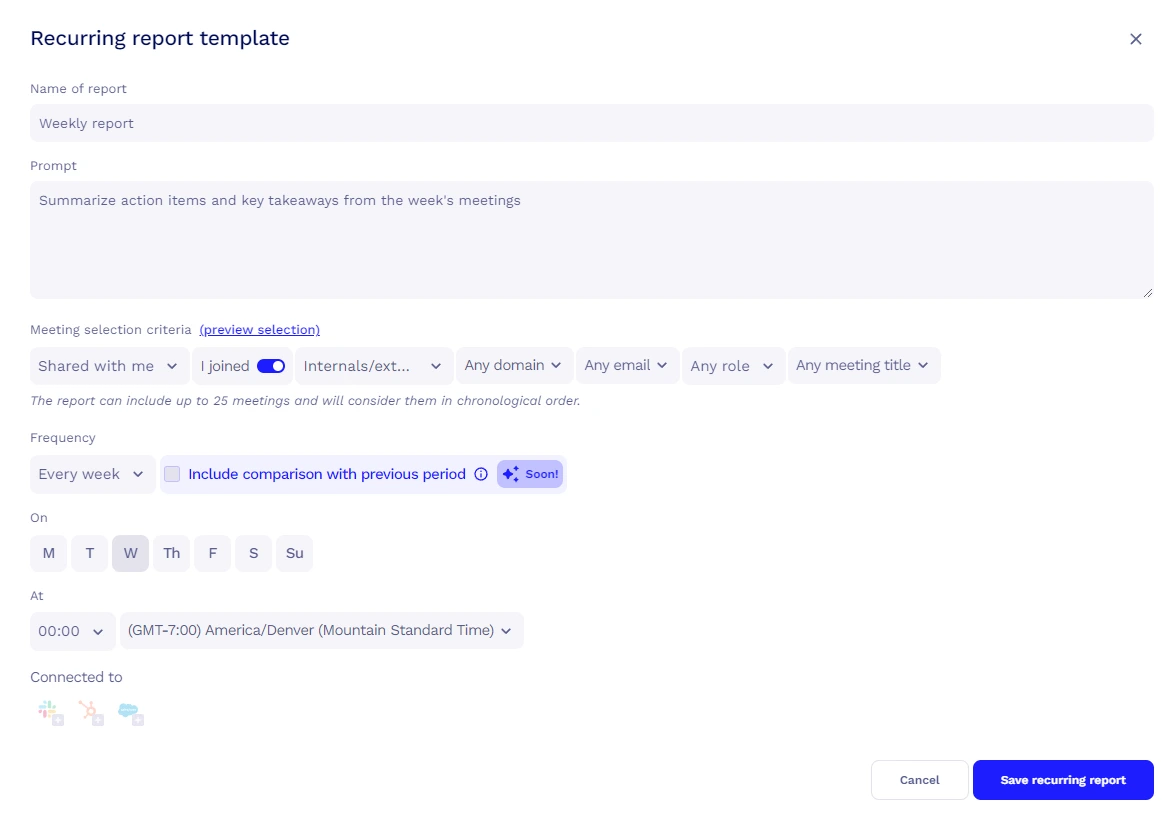
What it is: A meeting recording with transcriptions and AI summaries to reduce operational drag after calls (follow-ups, CRM updates & hand-offs).
- Key features: recording, transcripts, summaries, highlights, and integrations into collaboration stacks.
- AI angle: automatically turns conversations into actionable next steps and searchable knowledge.
- Benefits: great leverage for sales and customer success teams (less manual note-taking, faster follow-up).
- Watch-outs: ensure consent/recording policies and regional compliance are handled correctly.
Ideal for: sales teams, customer success teams & distributed teams who need reliable meeting-to-action automation.

8) Reply.io
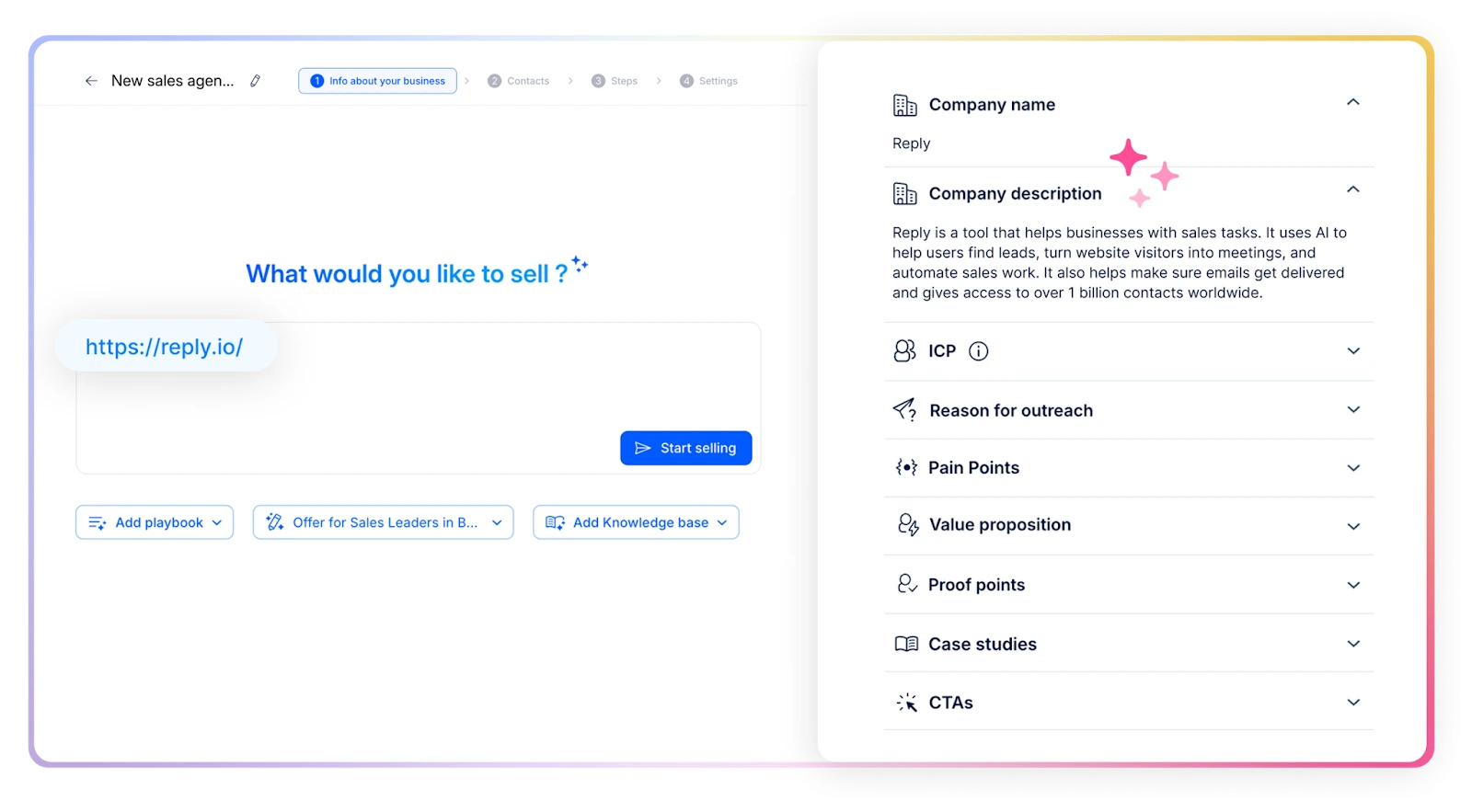
What it is: Sales engagement platform for multichannel sequences & outbound automation (email, follow-up, task automation)
- Key features: sequencing, personalization, analytics, deliverability tooling, integrations with CRMs.
- AI angle: helps scale outbound personalization and reduce manual SDR effort.
- Benefits: strong for structured outbound operations when you already have ICP clarity and data hygiene.
- Watch-outs: outreach automation amplifies both good and bad targeting, poor lists will burn domain reputation.
Ideal for: SDR teams, agencies, and RevOps running systematic outbound.

9) Outplay
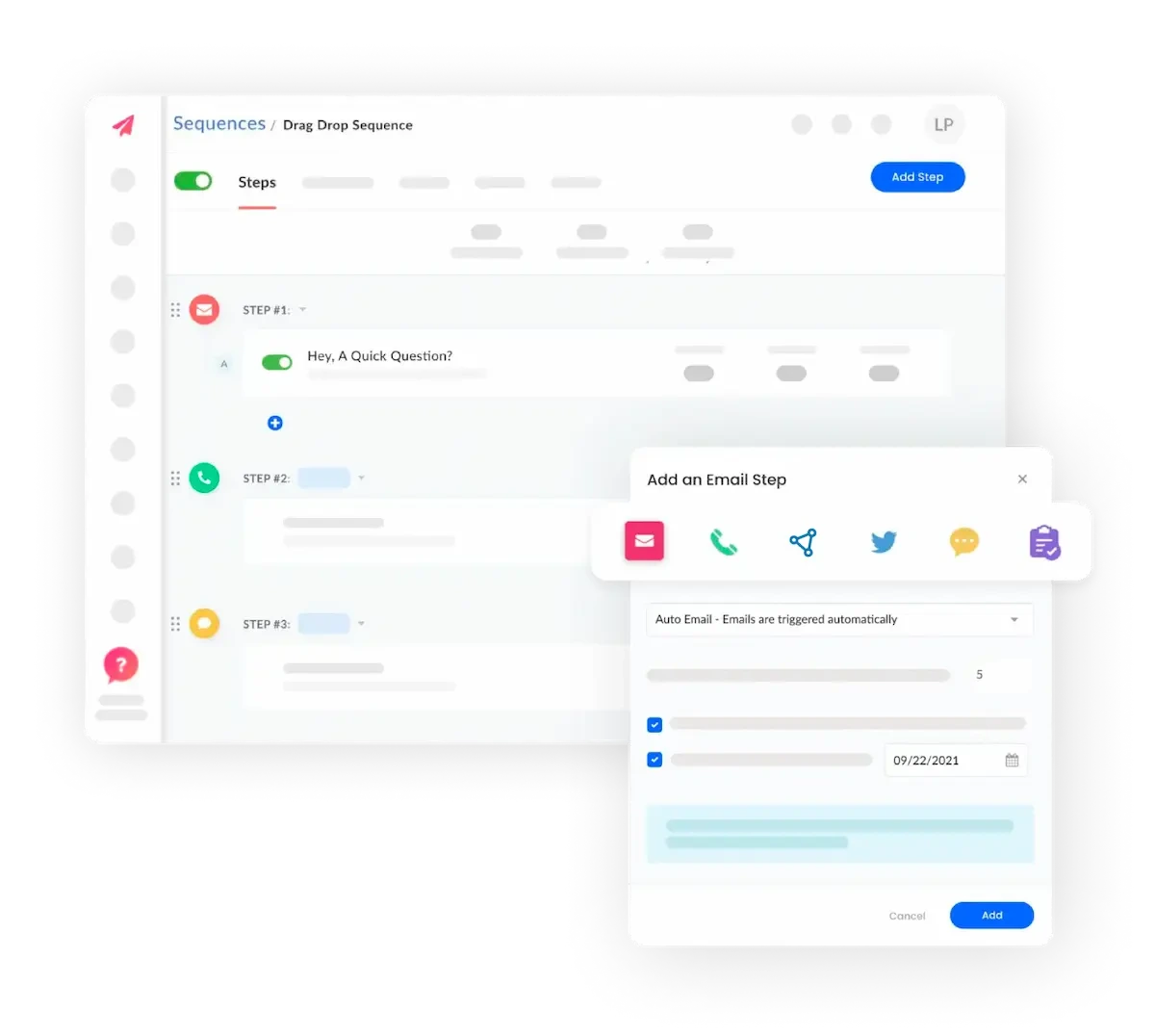
What it is: Sales automation built for outbound to accelerate your pipeline
- Key features: sales sequences, tracking, templates, outreach coordination.
- Benefits: solid option for teams that want structured engagement flows without over-building a custom stack.
- Watch-outs: like all sales automation, success depends on deliverability discipline and offer/message quality.
Ideal for: Growth stage B2B teams looking to standardize outbound.

10) Instantly AI (specialized sales outreach automation)
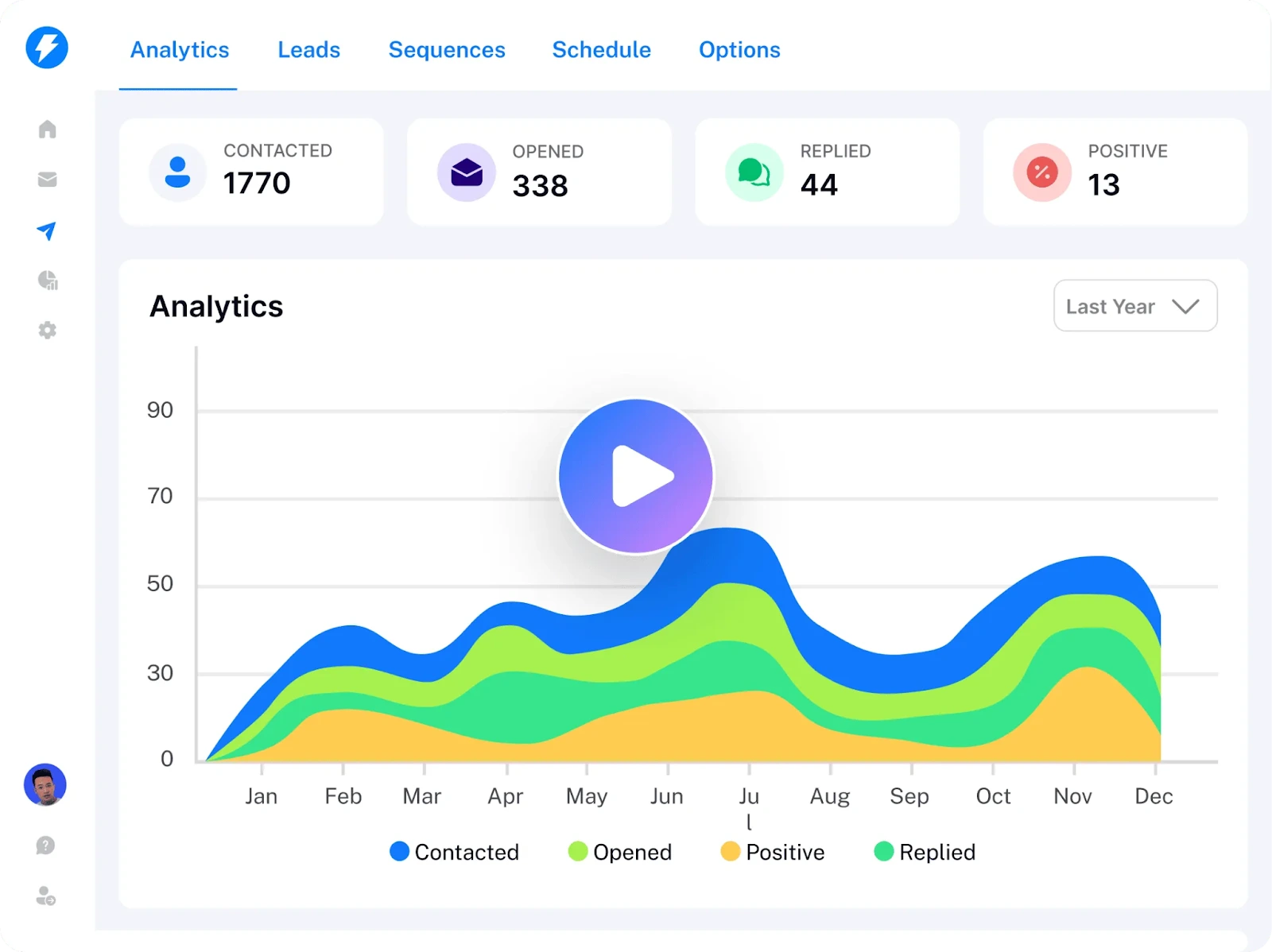
What it is: An advanced artificial intelligence automation tool for automated cold email outreach to large numbers of contacts. Although Instantly AI is an automation tool for sales outreach, it is a specialized application, therefore is included in this 2026 article because high-volume, outbound sales operations are often among the quickest to show ROI from automation when executed properly.
- Key features: cold email campaign management, deliverability-focused workflows, scaling with inbox rotation, warm-up systems, analytics.
- Where it shines: high-volume outbound operations (agencies, SDR orgs) that treat deliverability as a first-class KPI.
- Watch-outs: high sending volume without list quality, personalization, and compliance controls can backfire quickly.
Ideal for: Lead gen agencies, outbound SDR teams, founders doing targeted outbound with strong ICP discipline.

AI automation tools comparison table (2026)
Practical expert tips for choosing an AI automation tool in 2026
1) Workflow complexity: choose orchestration when your process has “branches”
If your automation is something like "if X then do Y," virtually all tools will work. However, when you start adding conditions, retries, multiple systems of record, and human approvals, you require orchestration.
Where Make is excellent: multi-step workflows that include conditional logic (i.e. "if customer is enterprise route to AE + create high-priority ticket; else route to SMB queue; summarize message; draft reply; tag account").
Where Instantly AI is not the best fit:it is designed to optimize outbound email operations, not generalized orchestration across dozens of business systems.
2) AI intelligence: treat LLM steps like production components, not magic
Treat LLMs as production components, not magic
I see people making a huge mistake by inserting an LLM into a workflow without evaluating the results and implementing failure logic. When running in production, you want reliable and predictable output, especially when you're sending to your CRM or triggering financial transactions.
OpenAI provides strong capabilities when you need good quality extraction, classification, summarization, and drafting, and when you implement structured output (JSON schema) and add determinism checks.
Process Street is less suited for this purpose as its main value is providing standardized execution and not acting as the 'AI brain' for complex automations.
3) Sales automation is a system, not a setting
In 2026, outbound automation is in demand due to the compounding nature of increasing revenue productivity, it must adhere to deliverability constraints and message relevance.
Instantly AI excels at scaling cold email operations with deliverability-focused mechanisms (warm-up, inbox rotation). It was developed for this task.
Kissflow is not designed for outbound; it's a process-based tool, so it cannot provide solutions for deliverability, inbox management, or campaign-level optimization.
4) Security & governance: automation can quietly become your biggest risk surface
Each automation tool creates a privileged entity within your stack: it pulls data out of inboxes, sends data into CRMs, interacts with payment systems, and could potentially leak data if improperly configured. In 2026, you should treat automation like any other type of infrastructure.
Kissflow excels when governance, approvals, and process controls are important.
n8n is relatively weak in this area if self-hosted, not necessarily because of security weaknesses in the product, but because self-hosting transfers the responsibility to your team (patches, secrets, backups, network rules).
If you are self-hosting, follow the guidance of reputable cloud providers and make sure you can meet your company's internal security requirements. There were some recent articles in TechRadar regarding the selection of infrastructure for self-hosted n8n deployments. The articles included information such as Docker support, scalability and uptime requirements
FAQ about AI automation tools (2026)
Which AI automation tools are most in demand in 2026?
The top requested automated tools tend to be categorized in one of these three groups:
- Workflow Automation Builders (e.g., Make, n8n) which allow users to create and use cross-application automation.
- An "intelligence layer" (e.g., OpenAI) added to each user's workflow in order to automate tasks such as data extraction, routing, summary creation, and drafting.
- Automated Revenue Generation (e.g., Reply.io, Outplay, Instantly AI) due to the fact that speed to lead and higher outbound productivity levels are still competitive advantages.
In reality, most teams rely on a mix of these tools rather than just one. A workflow builder connects systems, an intelligence layer adds decision-making, and revenue tools drive pipeline growth. When combined thoughtfully, they form a practical automation stack that supports day-to-day operations and measurable business outcomes.
What is the best AI automation tool overall?
While there is no single best choice, if I was forced to choose a "best overall" tool for most teams I would suggest using Make for cross application orchestration and OpenAI as the AI layer. Then add a specialized revenue generation tool (such as Instantly AI) only if the primary method your team generates new business is through outbound activities.
What’s the most powerful AI tool right now for automation?
In the context of automation, "the most powerful" typically refers to the ability of a given platform to take unstructured input data and generate structured output based on that data. This is why Large Language Model (LLM) platforms (such as OpenAI) are commonly referred to as the "power layer" provided you have built sufficient guardrails around the output data (i.e. structure the output, validate the output, log the output, and include a fallback option).
What are the main types of automation tools?
- Workflow automation: connect apps + orchestrate processes (Make, n8n).
- Process automation: approvals, forms, governance (Kissflow).
- SOP/work instructions automation: checklists and repeatability (Process Street).
- Sales engagement automation: sequences and outreach operations (Reply.io, Outplay, Instantly AI).
- Meeting automation: meeting-to-CRM and knowledge capture (tl;dv).
Each type serves a different role, from connecting systems to managing approvals or driving outbound reach. The right mix depends on whether your priority is operational consistency, revenue growth, or turning everyday work into structure, trackable processes.
Are AI automation tools worth it for small businesses?
Yes , especially for those with high ROI potential in the following two areas: (1) lead handling and follow up speed and (2) support triage and CRM hygiene. Begin with small-scale implementations, track performance, and expand accordingly. While the cost of using an automation tool may seem like the monthly subscription fee, it is actually the cost of developing automation without clear ownership, documentation, and monitoring.
My Recommendations for AI automation tools in 2026
In summary, for a practical and low-regret technology stack to be available by 2026, consider this layered approach: choose a workflow orchestrator which will provide reliability, create an AI intelligence layer on top of it and lastly add specialty tools for sales and/or meeting functionality. This structure keeps your automation stack easier to manage over time because each layer has a clear responsibility rather than overlapping features and unclear ownership. It also makes it simpler to swap tools out later if your needs evolve.
Make is my number one choice for teams that require significant cross-app automation but don’t want to build their own solution. n8n is also very good for use cases where the team wants as much control and extensibility as possible (self-hosted solutions) , or at least that’s the case with n8n vs. other orchestration platforms. OpenAI is what makes automations feel intelligent. Outbound, Instantly AI is definitely something to look into if your strategy involves using cold e-mail and you are committed to maintaining deliverability standards. They key is not adopting every tool at once, but introducing automation in stages, documenting ownership, and treating it as an operational capability rather than a short-term experiment.
To continue your research, you can also read our in-depth reviews: OpenAI reviews and Make reviews.
{{cta-marketplace="/blog-elements"}}